The best language learning app is the one you actually use consistently.
Sometimes you just need a reminder to use it.
Introducing: home screen widgets for iOS and Android. 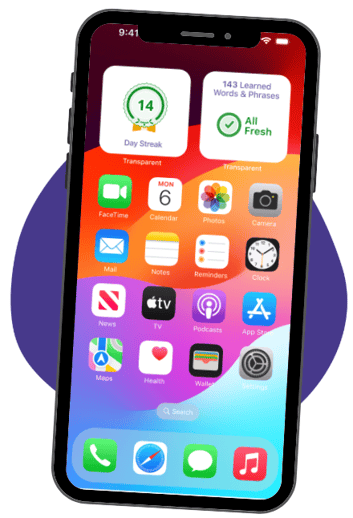
Learners can now add two widgets to their phone’s home screen to get little reminders to log in to the Transparent Language Online app and keep learning every day.
Learners can add these to their home screen the same way they add any widget: tap and hold the home screen. On iOS, select Edit, then Add Widget. On Android, select Widgets.
Stay on top of your language goals with the Transparent Language Online app. Download now from the Apple app store or Google Play store to start learning today!
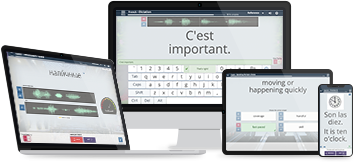
Build vocabulary, practice pronunciation, and more with Transparent Language Online. Available anytime, anywhere, on any device.
Meaghan is a lifelong language learner and lover, having learned French in a classroom, Hausa taught in French in Niger, and Spanish during a last minute move to Honduras. She loves helping libraries bring language learning to their communities.